
Making systems work together in Zenitel Connect Pro – the easy way
This blog explains how Zenitel Connect Pro uses Node-RED to simplify event handling across communication and security systems. Instead of manually coordinating actions, the platform enables automated workflows where events trigger predefined responses, such as alerts, calls, and notifications.
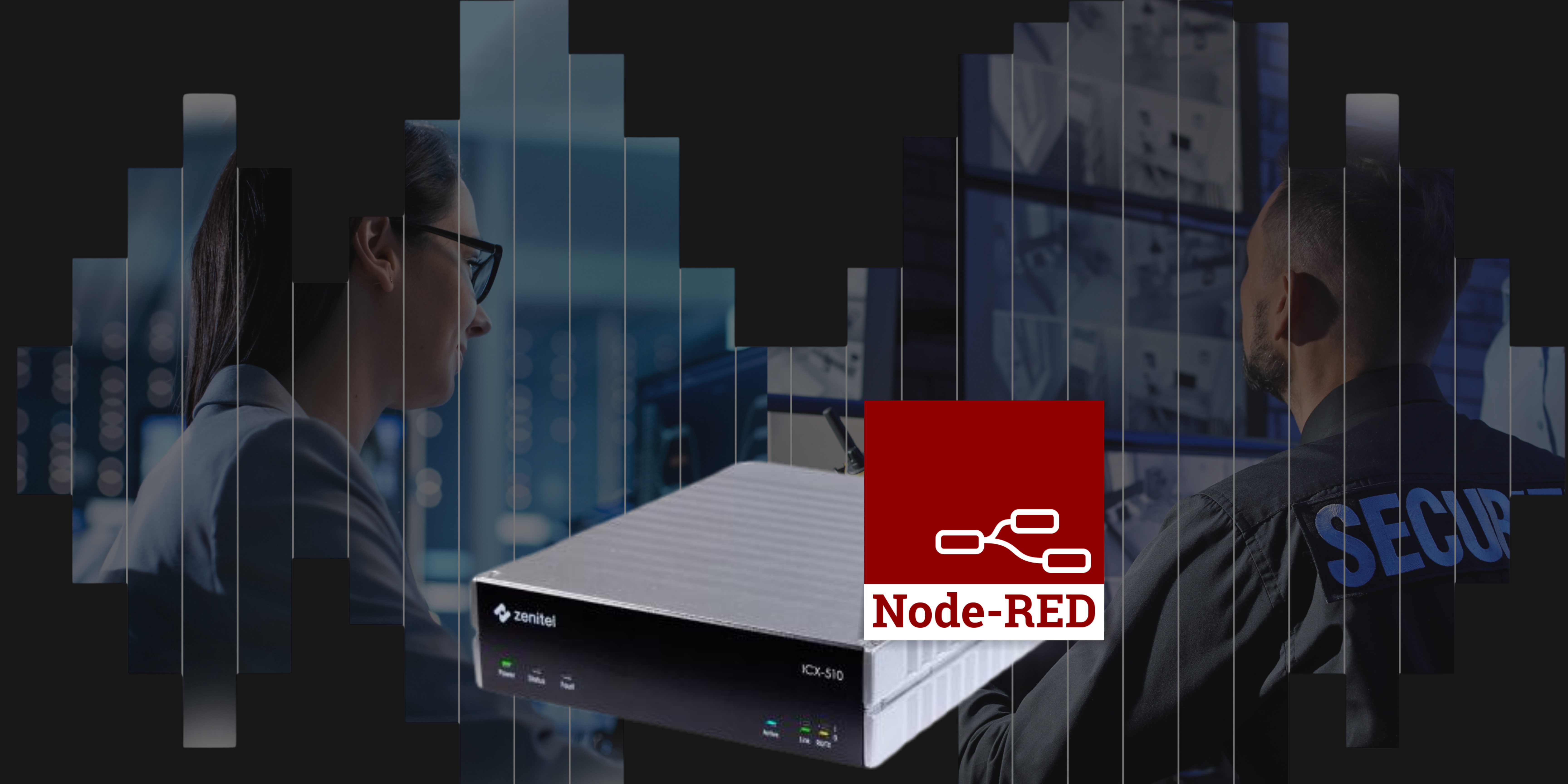
Imagine a few everyday situations:
- A help point call that is routed differently depending on time of day
- An emergency alert that guides people to safety after the smoke sensors detect a fire
- A new IoT sensor needs to be part of an existing security workflow
None of these are revolutionary on their own, but when they’re easy to set up, easy to change, and consistent across sites, they start to make a real difference: Less back-and-forth, less tinkering, and fewer “why-does-this-site-behave-differently?” moments.
This is exactly the kind of problem Zenitel Connect Pro is designed to solve.
How Zenitel Connect Pro handles it
Zenitel Connect Pro is equipped to manage events and responses across critical communication and security systems. The idea is that if something happens, the system should already know how to react.
For example:
- A door is forced open at night
- a call is automatically placed to security
- the nearest camera feed is pulled up
- and a notification is sent.
No one needs to coordinate this process manually and, just as importantly, it behaves the same way every time.
To make this possible across different systems and scenarios, Zenitel Connect Pro uses Node-RED as its event orchestration/handling and integration layer.
That means that events from different systems can be connected and workflows can be defined in one place and triggered across communication and third-party systems.
How does that make Zenitel Connect Pro special?
What stands out isn’t just that it works—it’s how easy it is to work with once it’s in place.
You’re not locked into whatever integrations were defined at the start of a project.
You’re not dependent on someone rewriting code every time a process changes.
And you’re not juggling slightly different setups across different sites.
Instead, you get one place where you can say: “when this happens, do this.”
You also can’t underestimate how much we take it for granted how easy a tool is to use or how intuitive a user interface is.
As an anecdote: I remember once upon a time when someone asked me about declarative programming, what it was and why it was such a big deal. At this point, what you regale them about how it makes programming easier, that reading code becomes closer to reading human language. That will surely reward you with a faint smile, a nod, and an “ah, ok!”
Which, honestly, is nothing compared with the sheer joy on their face when you sit them down, let them type “blue” into a code editor and watch the look on their face when they see that the square on the screen just changed colour and shout “Weeee! I can program!”
Node-RED’s drag-and-drop visual editor gave me similar dopamine hit when I assembled my first workflow and things just worked as I expected them to. A feeling I suggest you experience yourself, and there are several ways to do so:
If you want to explore further
If this left you wanting more, you can
- try out Node-RED on Zenitel Connect Pro yourself via the Zenitel Connect Pro VirtualBox
- Join our Learning Community Platform for exclusive training and certification programs to stay current with Zenitel’s products and solutions
- Watch a webinar with Triton Sensors that shows real integrations in action